One domain, thirteen tools, about fifteen minutes per site. Type the address of your site or a competitor's site into the box above. Every button on this page fills it in, so each tool opens straight on the right report. Go from top to bottom: traffic, speed, Google index, structured data, accessibility, security, ads and reviews. Then type the next domain and compare.
Before you start
- Every tool opens in a new tab, so this page stays where you left it.
- Most tools work without an account. Ahrefs and WebPageTest may ask you to tick an "I am human" box first.
- Third-party numbers are estimates. Use them to compare sites with each other, and take your own exact figures from Google Search Console and Google Analytics.
1. Traffic and authority: how many people come and who links to the site
Start with the size of the site in its market. Traffic tells you how many people see it; authority and links tell you how much Google trusts it compared with the competitors.
Similarweb
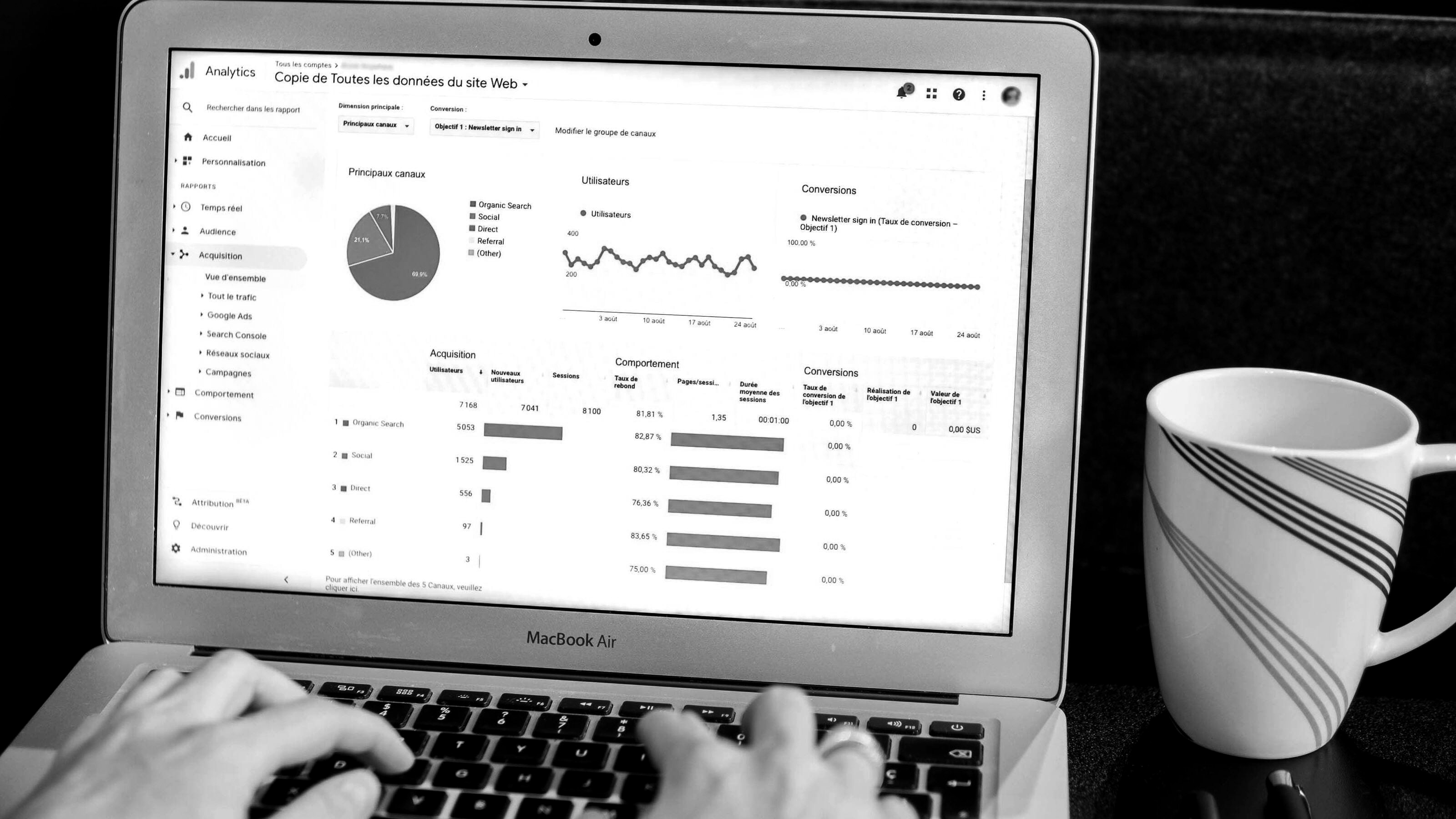
similarweb.comShows. Estimated monthly visits for the last three months, traffic sources (search, direct, social, paid, referral), top countries and similar sites.
Look at. Total visits next to two or three competitors and the share that comes from search. When Similarweb opens its start page instead of a report, it has no estimate for that domain: traffic is below what it can measure. Similarweb also limits how many reports you can open each day without an account, so start with the competitors that matter most.
Ahrefs Website Authority Checker
ahrefs.comShows. Domain Rating on a 0 to 100 scale and how many backlinks and linking websites point to the site.
Look at. Compare Domain Rating and the number of linking websites with competitors from the same city. The count of different websites matters more than the total number of links.
Ahrefs Backlink Checker
ahrefs.comShows. Top backlinks: the linking page, its Domain Rating and the anchor text, plus the pages that collect the most links.
Look at. Who links to your competitors: local directories, associations, suppliers, news sites. Most of those places will list your business too.
2. Speed: how fast the site opens on a phone
Most local searches happen on phones. A slow page loses people before they see your phone number, so test the mobile version first.
PageSpeed Insights
pagespeed.web.devShows. Google's Lighthouse score for mobile and desktop, plus Core Web Vitals from real Chrome users when the site has enough visitors.
Look at. The Mobile tab first. Google counts LCP under 2.5 s, INP under 200 ms and CLS under 0.1 as good. The lab score moves a few points between runs, so look at the trend over two or three runs.
GTmetrix
gtmetrix.comShows. A waterfall of every file the page loads, total page size, number of requests and a filmstrip of how the page appears.
Look at. The heaviest files in the waterfall. Large photos, background video and chat widgets are the usual cause of a slow page.
WebPageTest
webpagetest.orgShows. Loading in a real browser from a chosen location, with a filmstrip and video of the first view and the repeat view.
Look at. The frame where the headline and the call or quote button appear. That moment is what the visitor actually waits for.
3. Google index: which pages Google has
A page Google does not have in its index cannot bring visitors from search. The site: operator shows what Google stores for the domain.
Google: site:
google.comShows. Pages of the domain that Google has in its index, with the title and description Google shows for each.
Look at. Scan the titles: duplicates, old pages, test pages, "Untitled", service pages that are missing. The result count is a rough estimate; the exact number lives in Search Console.
4. Structured data: what Google understands about the business
Structured data tells Google in machine form who the business is, where it works and how to reach it. Test the home page and one service page.
Rich Results Test
search.google.comShows. Which structured data Google finds on the page (Organization, LocalBusiness, Breadcrumbs, Review and others) and which rich results the page can get.
Look at. Whether the business has Organization or LocalBusiness with name, address and phone, and every item marked in red or orange as an error or warning.
5. Usability and accessibility: can everyone use the site
Accessibility problems are also usability problems: low contrast text, buttons without labels and forms without field names make the site harder for everyone.
WAVE
wave.webaim.orgShows. Accessibility errors marked right on the page: missing alt text, low contrast, empty links and buttons, form fields without labels.
Look at. The Errors and Contrast Errors counts in the summary. In Ontario, organizations with 50 or more employees must meet WCAG 2.0 Level AA on their public websites.
6. Security: basic protection on the server
Security headers are standard server settings that protect visitors from common attacks. Browsers read them on every page.
Security Headers
securityheaders.comShows. A grade from A+ to F for the security headers the site sends: HSTS, Content-Security-Policy, X-Frame-Options and others.
Look at. The grade and the headers listed in red as missing. A low grade points to server settings that are missing, and a developer can add them.
7. Ads: what the business pays to show
Both libraries are public. They show which ads a business is running right now, so you see its offers, prices and how long each ad has been live.
Meta Ad Library
facebook.com/ads/libraryShows. Active ads of the business on Facebook, Instagram, Messenger and the Audience Network, with the start date and the platforms. Searches the exact business name.
Look at. How many ads run now and how long each one has been running: an advertiser rarely keeps a losing ad for months. Read the offers and prices in the text.
Google Ads Transparency Center
adstransparency.google.comShows. Ads the advertiser runs on Google Search, YouTube and the Display network, filtered to Canada. Searches by domain.
Look at. Whether a competitor advertises on Google now, the wording of its search ads and the date range of each ad.
8. Reviews: what customers say on Google Maps
For a local business the Google profile often works as the first page people see, before the website. Reviews decide whether they call.
Google Maps
google.com/mapsShows. The Google Business Profile: rating, number of reviews, photos, hours and categories. Searches by the business name.
Look at. Rating and review count next to the competitors, the date of the latest reviews and whether the owner replies to them.
Want a specialist to read these numbers for you? Marketing MIX goes through your site and two or three competitors from your city with the same tools, then gives you a list of fixes in order of their effect on calls and requests. Send your domain in the brief.
Order a site reviewSEO services in Ottawa